Configuration
All settings live at /admin/config/ai/providers/dxpr. Permission required: Administer AI providers.
API key
The API key is managed through the Drupal Key module. The settings form provides a key selector that lists all Key entities on your site. On initial install, the module auto-detects any Key entity with "DXPR" in the label and pre-selects it.
Model selection
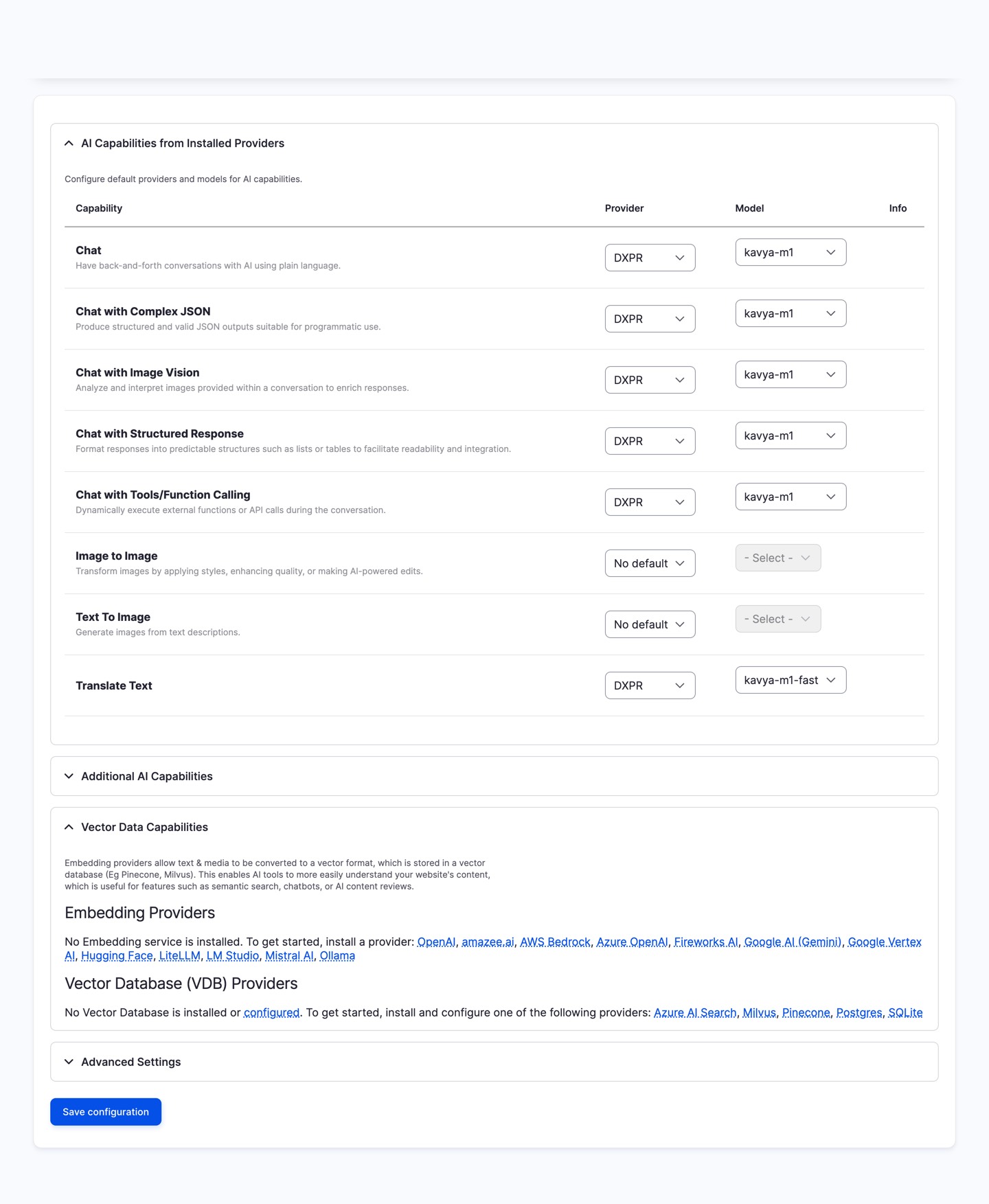
Three model variants are available: kavya-m1 (general use), kavya-m1-eu (EU data residency), and kavya-m1-fast (low latency). All three support chat (including vision, tool calls, and structured JSON output), streaming, and translation. See the model table for default providers and fallback chains.
Provider selection mode
Automatic (default) uses Kavya's built-in provider priority. Manual Override shows a drag-and-drop table where you control the failover order. See the failover guide for details.
Provider priority table
Visible when Manual Override is selected. The drag-and-drop table shows five upstream providers: OpenAI, Anthropic, Google Gemini, MistralAI, and XAI. Each can be:
- Enabled: included in the failover chain at its configured priority
- Disabled: excluded from routing entirely
The top-most enabled provider handles requests first. If it fails, the platform tries the next enabled provider in order. Each row shows the provider's logo and country of origin for data residency awareness.
See the multi-provider failover guide for details on how failover works and a comparison with other Drupal AI providers.
AI usage tracking
The settings page displays your current credit balance and monthly usage, pulled from the DXPR licence service. Credits are shared across all AI operations:
- 1 credit = 1 generated word
- 1 image generation = 1,000 credits
- HTML markup does not count toward usage
Em-dash processor
The em-dash post-processing engine removes AI-generated em-dashes from output text. It is configured with a slider on the settings form. See the em-dash post-processing guide for full details on the four intensity levels and per-language overrides.
Next steps
- Multi-provider failover: customise the provider priority order and understand how failover works
- Translation: set up AI-powered content translation
- Image generation: text-to-image and image-to-image operations