Image generation and editing
DXPR AI Provider implements both text_to_image and image_to_image
operations through the DXAI Kavya platform, using the kavya-image model.
This lets any Drupal module that uses the AI module's image interfaces
generate and edit images without needing a direct API key from an image
generation service.
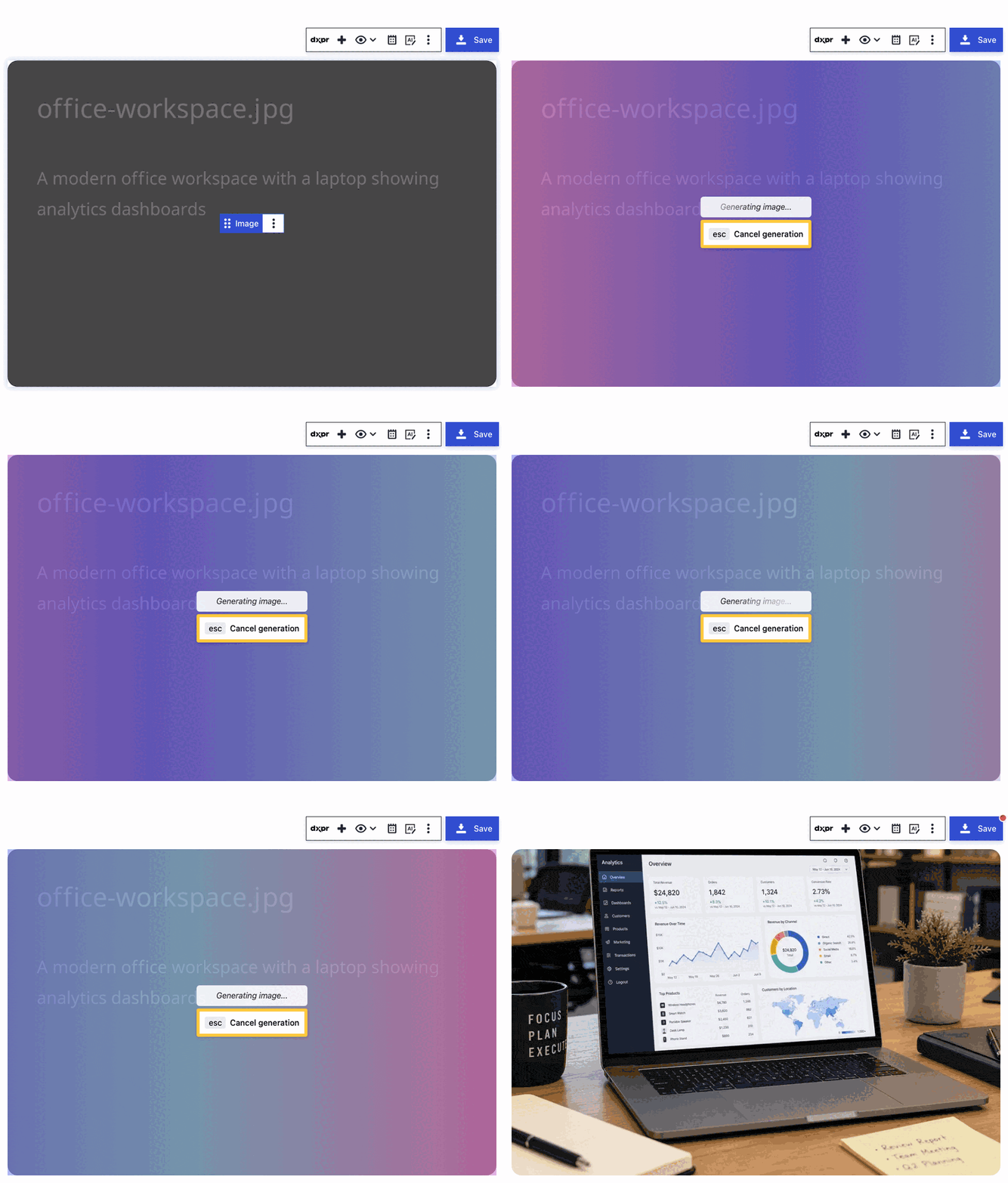
Text to image
Generate images from text prompts. The module sends a POST request to the
Kavya /images/generations endpoint with your prompt and configuration
parameters.
Parameters:
| Parameter | Description | Default |
|---|---|---|
| Size | Output dimensions (e.g. 1024x1024) | Configured per provider |
| Quality | Image quality level | Configured per provider |
| Background | Transparent or opaque background | Configured per provider |
Output format: WebP, base64-encoded. The AI module decodes this into a Drupal file entity that consuming modules can use directly.
Image to image
Edit or transform existing images by providing a source image alongside a
text prompt describing the desired changes. The module uploads the source
image as a multipart form request to the Kavya /images/edits endpoint.
This operation is useful for:
- Removing or replacing backgrounds
- Adding or modifying elements in an image
- Style transfer and artistic transformations
The source image is uploaded server-side; your API key never reaches the browser.
Credit usage
One generated image costs 1,000 AI credits regardless of size or quality settings. This applies to both text-to-image and image-to-image operations. See AI usage tracking for how credits work.
Timeout and error handling
Image generation requests use a 10-minute timeout (longer than chat requests) to account for the processing time that image models require.
When your account's credit balance is insufficient, the module returns a clear error indicating that additional credits are needed rather than a generic failure. You can monitor your balance on the settings page.
Using image generation from code
Any module that works with the Drupal AI module's TextToImageInterface or
ImageToImageInterface can use DXPR AI Provider's image capabilities
without additional configuration. Set DXPR as the preferred provider for
image operations in the AI module settings, or let the provider selection
logic choose it automatically.
// Text to image via the AI module
$provider = \Drupal::service('ai.provider')->createInstance('dxpr');
$result = $provider->textToImage(
  'A serene mountain landscape at sunset',
  'kavya-image',
  ['ai_provider_dxpr']
);
$image_file = $result->getNormalized();